

Make every word
work for your product.
Audit your Amazon listing, turn product facts into clearer copy, and compare every change before confirming the transfer to Amazon. Prepare A+ content as drafts for manual integration.
- Audit and keyword coverage
- Titles, bullets, descriptions and backend keywords
- Review before transfer; A+ stays a draft
From audit to draft
See exactly what changes.
The audit reveals gaps in your listing. Copy optimization helps explain product features clearly and work in relevant search terms. Select a field to compare the example.
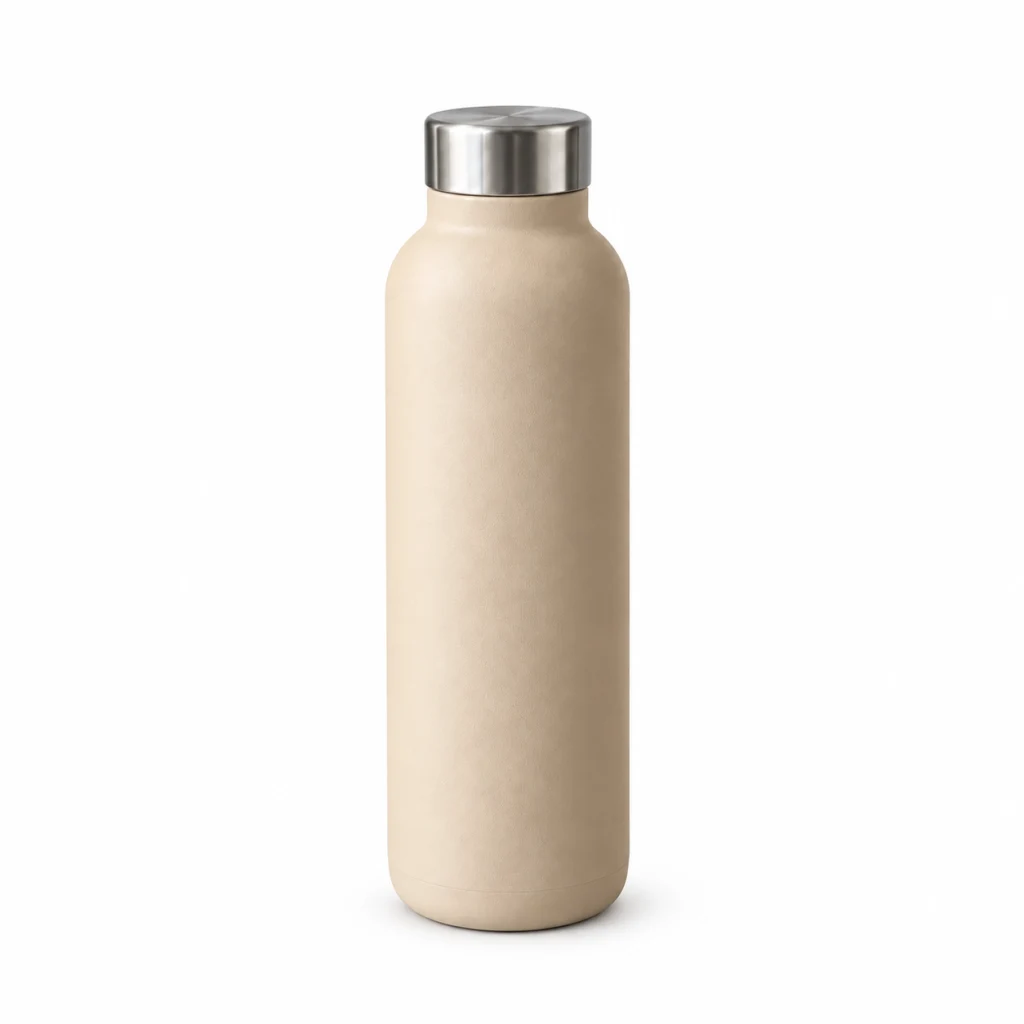
Stainless steel water bottle
750 ml · Sand beige · Screw cap
Before
Beige water bottle
Draft
Water bottle in stainless steel, 750 ml – sand beige, with screw cap
Material, capacity and closure make a generic title more specific. The wording stays within the known product facts.
Additions highlighted in the draft
Prepared examples for a fictional product. No live generation.
You have the final say.
From your existing listing to reviewed copy, with deliberate approval before transfer.
- 01
Analyze
Select one of your products and open the listing audit. Identify missing or weak content.
- 02
Compare
Revise titles, bullet points, descriptions and backend search terms. Compare each draft with the current listing.
- 03
Confirm
Verify product facts and explicitly confirm the transfer of listing copy to Amazon.
A+ content remains a draft. Transfer it manually into Amazon A+ Content Manager.
Create matching product imagesSee what remains for you after the price.
Your account data · Conservative assumption · No performance guarantee · No write access required for the audit