

One product photo.
More ways to show it.
Create white-background, benefit and lifestyle variants from your product photo. Refine the result, review the details and download your images individually or as a ZIP.
- Three image directions to explore
- Refine with your own instructions
- Review and download; you choose what to publish
From product photo to new variation
Same product. Three new perspectives.
Choose a prepared variation and move the comparison slider. Keep the original in view to check the presentation, details and overall composition.
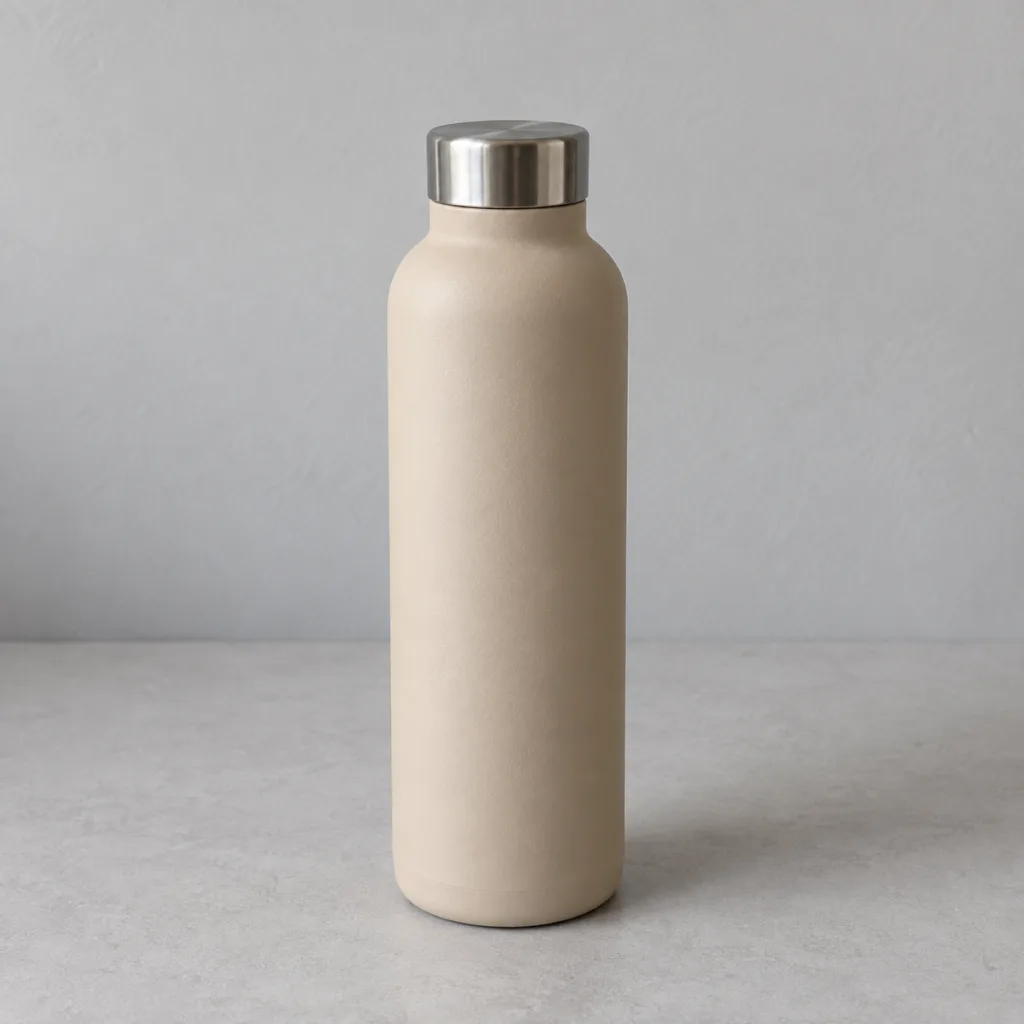
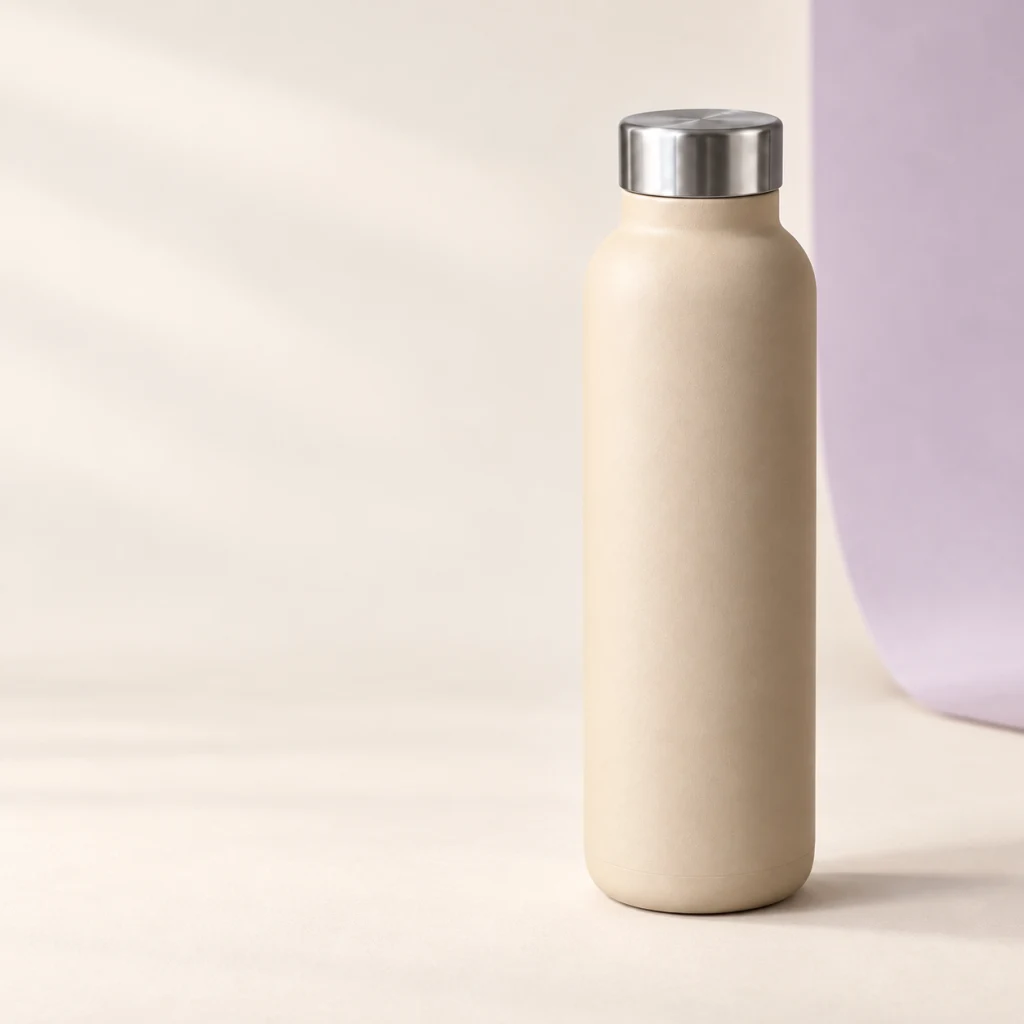
Drag the handle on the image or the slider; arrow keys work too.
Choose an image variation
A striking image with clear product facts — or a clean cutout on white.
Stainless steel water bottle
750 ml · Sand beige · Screw cap
Prepared examples for a fictional product. No live generation.
From the first draft to the right image.
Set the direction, review the result and choose which images to use.
- 01
Choose a source
Use an existing product image or upload your own photo. Set the direction for the new visual.
- 02
Refine variations
Compare results and request specific changes to the background, lighting or composition.
- 03
Download
Download selected images individually or as a ZIP, ready to prepare for your listing.
Check product details and the requirements for your Amazon image slot before use. Images are not published automatically here.
Optimize your listing copy tooSee what remains for you after the price.
Your account data · Conservative assumption · No performance guarantee · No write access required for the audit